

Most teams know their legacy processes are holding them back. They are still running intake workflows through spreadsheets, routing approvals through email chains, and manually copying data from one tool to another. These processes are slow, fragile, and hard to scale, but teams keep using them because the alternative feels worse.
Ripping out a system that the whole team depends on, even a bad one, risks breaking the work that is already in motion. So teams stick with what they have, patch it when it breaks, and hope it holds together.
That calculation is understandable, but the cost of staying put is growing. PwC's 2026 Digital Trends in Operations survey of 767 operations leaders found that 89% say their technology investments have not fully delivered expected results. A big part of the problem is not the technology itself but how the transition is handled. Teams that try to change everything at once end up with new tools running old processes, and the inefficiency stays.
Keep reading to learn how to upgrade the way your team works one process at a time without disrupting daily operations.
Key Takeaways
- Legacy processes cost more to maintain than most teams realize, in time, in errors, and in missed opportunities to improve.
- 89% of operations leaders say their tech investments have not fully delivered, often because the processes behind the tools were never redesigned.
- Rip-and-replace modernization carries a high failure rate. 68 to 79% of large-scale modernization projects fail or underperform.
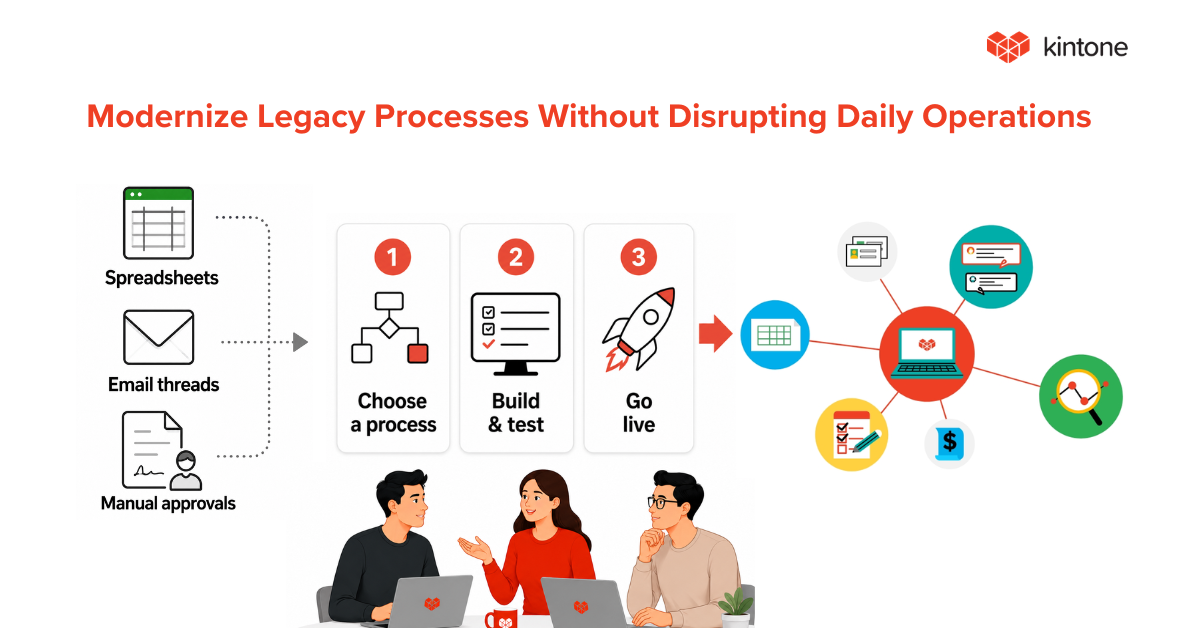
- The most effective approach is gradual: digitize one process at a time, run it alongside the existing setup, and expand when it works.
- No-code platforms like Kintone are designed for this kind of transition because teams can build, test, and adjust without writing code or waiting on IT.
The Cost of Legacy Processes
Legacy processes rarely announce themselves as problems. There are a few ways legacy processes drain a team without anyone noticing.
- Time spent on manual work: Every manual step in a process, whether it is copying data between tools, chasing approvals through email, or building reports by hand, is time that could be spent on higher-value work. These tasks may only take a few minutes each, but they add up across the team every day.
- Errors from inconsistency: When a process lives in spreadsheets and email chains, there is no single source of truth. Different people follow slightly different steps. Data gets entered differently depending on who is doing the work. Over time, small inconsistencies create real problems in reporting, compliance, and customer experience.
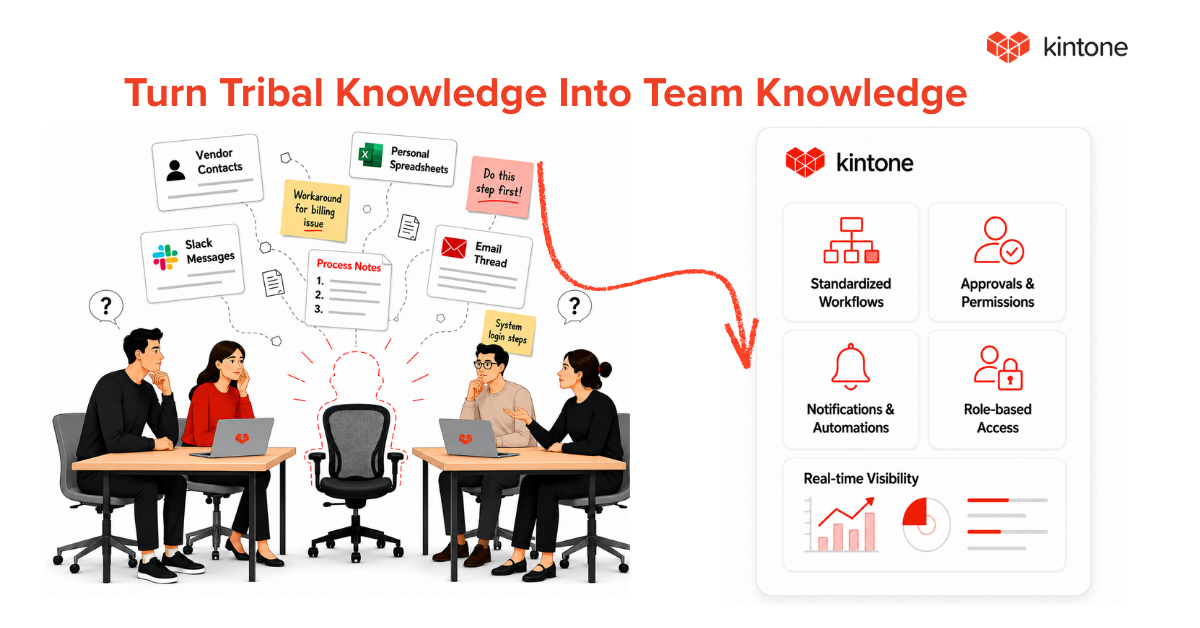
- Knowledge concentrated in individuals: Legacy processes tend to depend on specific people who know the workarounds, the shortcuts, and the unwritten rules. When those people leave, the process breaks. This is the tribal knowledge problem we covered in a previous blog, and it gets worse the longer a process goes undocumented.
- Inability to scale: A process that works for a team of five often falls apart at fifteen. Manual handoffs, unclear ownership, and undocumented steps create bottlenecks that multiply as the team grows. Scaling a legacy process means scaling its inefficiencies along with it.
Why Rip-and-Replace Modernization Fails
When teams finally decide to modernize, the instinct is to go big. Replace everything at once. Roll out a new platform. Migrate all the data. Retrain the whole team. NRI Digital Consulting's 2026 analysis found that 68 to 79% of large-scale modernization projects fail or underperform, primarily due to weak stakeholder alignment, incomplete assessment of existing systems, and poor project management.
There are a few reasons why this approach breaks down so consistently.
One reason is that the team cannot stop working while the new system is being built. Projects still need to ship. Clients still need to be served. Reports still need to go out. When a modernization project requires the team to learn a new platform and maintain the old one at the same time, both suffer.
Another reason is that legacy processes are more complex than they appear on the surface. They contain years of accumulated decisions, workarounds, and exceptions that are not visible until someone tries to replicate them in a new system. What looks like a simple approval flow on paper turns out to have six conditional branches that only the team lead knows about.
Also, teams lose confidence when the transition is painful. If the first experience with a new tool is confusing, slow, or disruptive, people resist. They go back to the old way, and the modernization stalls.
How to Modernize One Process at a Time
The teams that succeed at modernization take a gradual approach. Here is how that looks in practice.
Start with the process that causes the most friction
Every team has one workflow that everyone knows is broken. It might be the expense approval process that takes two weeks. It might be the client onboarding checklist that lives in three different spreadsheets. Pick the process that wastes the most time or creates the most confusion, and start there.
Map it before you build it
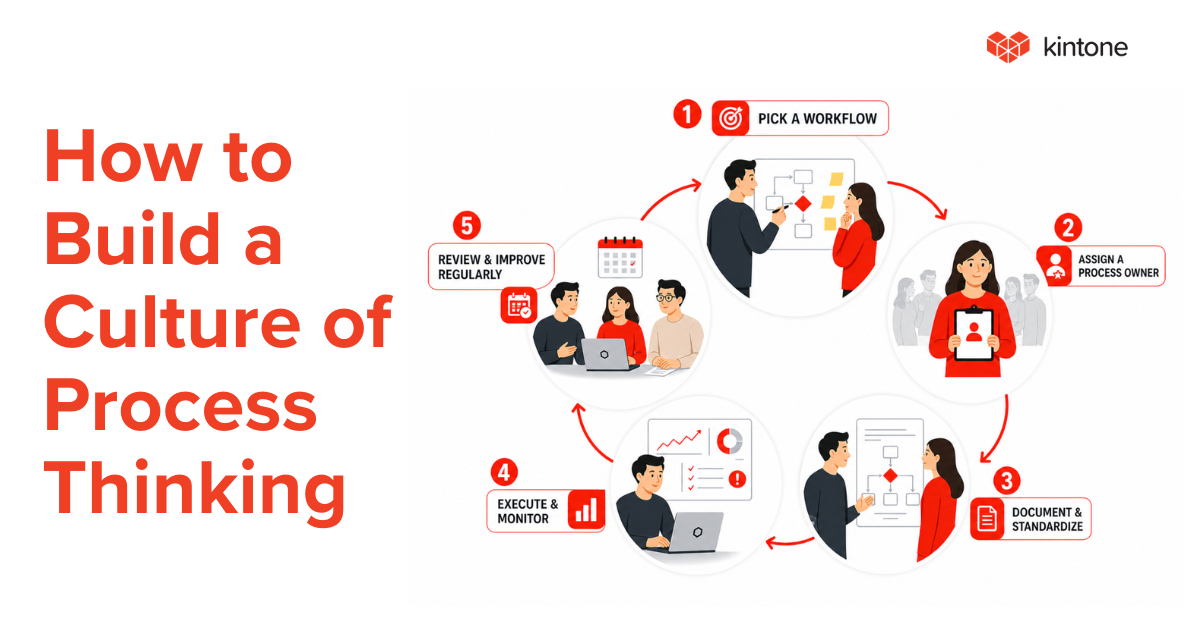
Before moving anything into a new tool, sit down with the people who actually do the work and document every step. Capture the handoffs, the decision points, the exceptions, and the workarounds. This step prevents the most common modernization mistake, which is recreating a broken process in a new system.
Run the old and new systems in parallel
Once you have built the new workflow, run it alongside the old one for a defined period. This gives the team time to adjust, catch gaps, and build confidence in the new process without the pressure of a hard cutover. When the team is comfortable and the new workflow is producing reliable results, retire the old one.
Expand to the next process
After one workflow is successfully modernized, take what the team learned and apply it to the next highest-priority process. Each transition gets easier because the team has already been through the process of mapping, building, and switching over.
Why Kintone Is Built for Gradual Modernization
Kintone is a no-code platform designed for exactly this kind of transition. Instead of requiring a full-scale migration or months of implementation, Kintone lets teams build one app at a time and go live when they are ready.
Here is what makes it a good fit for teams modernizing legacy processes.
- Drag-and-drop app building: Teams can turn a mapped process into a working application in minutes. You choose the fields, set the workflow stages, assign owners, and define permissions without writing code. There is no waiting for developers and no IT backlog.
- Workflow automation: Kintone's process management tools let you define step-by-step workflows with approval sequences, conditional routing, and automated notifications. The system enforces the process so your team does not have to rely on memory or manual follow-ups.
- In-context team communication: Comments, file sharing, and discussions live inside the records they relate to. Nothing gets lost in email threads or chat channels. New team members can see the full history of a project or task without asking someone to recap.
- Role-based permissions: Teams can control who can view, edit, or delete data at the app, record, and field level. Sensitive information stays protected while everything else stays accessible.
- Custom dashboards and reporting: Kintone generates real-time charts, graphs, and status views from the data in your apps. You see project status, workloads, and progress without exporting anything or building reports manually.
- Spreadsheet conversion: If your legacy process currently lives in a spreadsheet, Kintone can convert it directly into a structured database application. You keep the data but gain the workflow, permissions, and reporting that spreadsheets cannot provide.
Because every app is built on the same platform, your team's data stays connected as you modernize more processes. What starts as a single workflow app can grow into a full operations hub covering project tracking, CRM, HR workflows, inventory, and more.
Start With One Process and Build From There
Modernizing legacy processes does not have to mean shutting everything down and starting over. The teams that do this well start small, prove the value with one workflow, and expand from there. By the time they have modernized five or six processes, the old tools and spreadsheets have quietly fallen away, and the team is running on a system that is faster, more visible, and less dependent on any single person.
Kintone offers a free 30-day trial so your team can build a real workflow app and see how it fits before committing. If you want a guided walkthrough, you can book a consultation with a Kintone product expert who can help you identify the best process to start with and show you how the platform works for your team's specific needs.
Pick the process that causes the most friction. Map it. Build it. And go from there.


About the Author
Agbaje Feyisayo is a dynamic content marketing expert with over 10 years of experience writing high-converting content across SaaS, technology, AI, and digital transformation. With a strong background in product marketing and storytelling, Agbaje helps top-tier companies turn complex ideas into actionable content that attracts and converts leads.