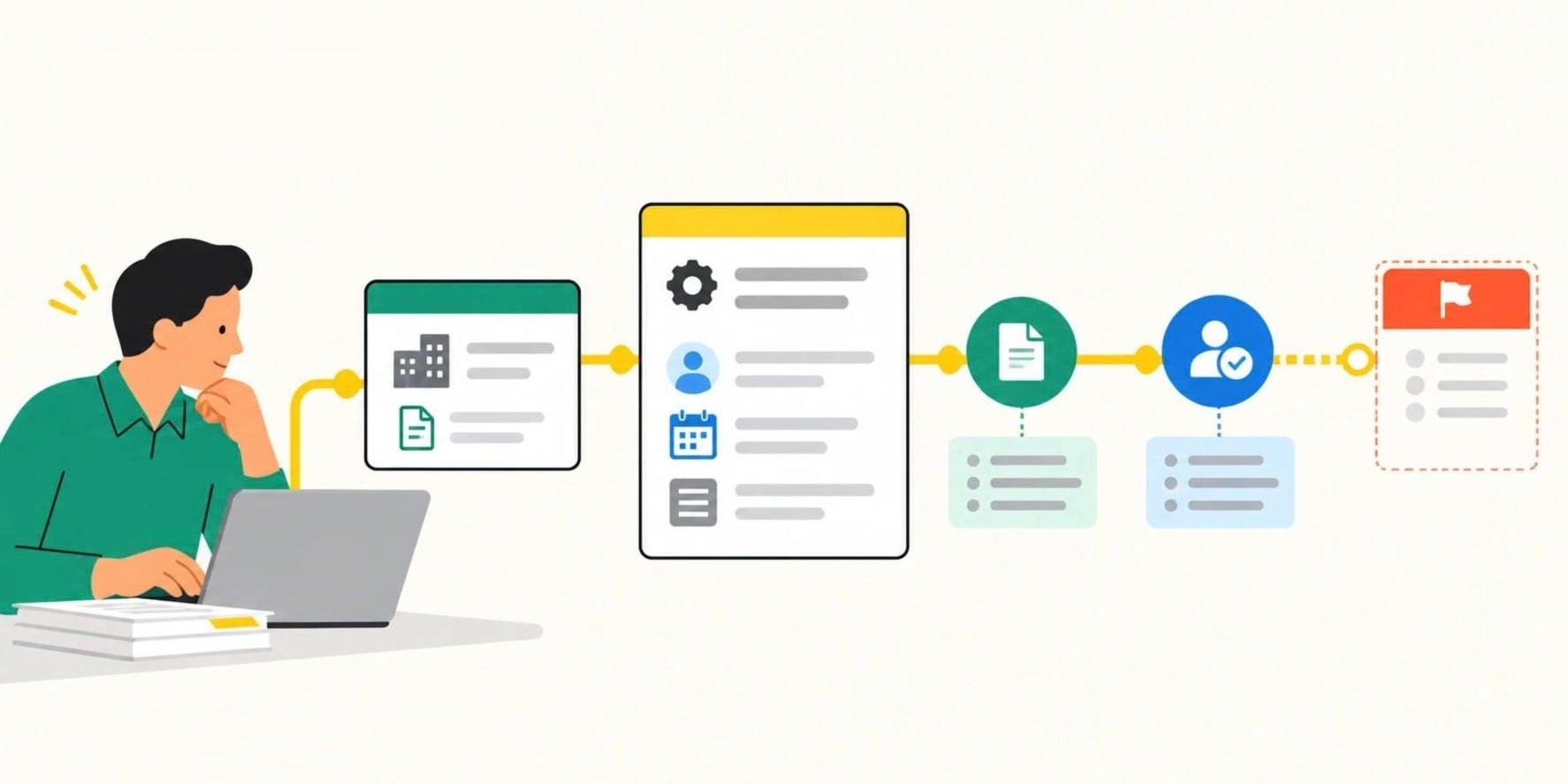



At some point the spreadsheet stops being a tool and starts being the job.
The request tracker has seventeen tabs. The approvals column tracks who said yes, but not whether the handoff happened. The weekly operations meeting opens with twenty minutes of everyone comparing their version of the same information. A team member asks how a request moves from intake to completion, and the honest answer is: links, rules, exceptions, and "ask Maria."
That moment, when the spreadsheet has become the process instead of a record of the process, is when operations teams start looking for software.
The category they find is usually called operations management software, or workflow management software, or sometimes business process management software. The names are close enough that distinguishing them feels like a distraction. The more useful question is not what category to search for. It is: what does a system need to be capable of doing for a team that is too complex for spreadsheets but too small for an enterprise platform?
That is what this article answers.
What Operations Management Software Is For
Operations management software is for the recurring work that crosses teams and cannot safely depend on inboxes, spreadsheets, or institutional memory. Requests arrive, information is checked, work changes hands, decisions are made, exceptions occur, and managers need to see what is waiting and why. The object being managed is not a project with a defined end date. It is a repeatable process (a request, approval, intake, handoff, or case) that runs continuously, involves multiple people, and where failure in any instance has a consequence.
That distinguishes it from two adjacent categories that appear in the same search results.
Project management software is organized around time-bounded work: a plan, a milestone, a deliverable, a deadline. It manages the initiative. Operations software manages the procedure: the work that does not have a defined end date because it runs again on Monday.
ERP systems are the financial and operational backbone for enterprise companies: finance, procurement, inventory, supply chain. They are the right system for core transactional control. They are not designed to let a business operator quickly change a departmental request process without a specialist implementation.
Operations management software sits between those. It handles the recurring processes that cross departments for teams that are too complex for spreadsheets and too small for enterprise platforms.
A workflow tool inside that category answers: what happens next, under what condition, and who is responsible?
An operations platform additionally answers: what is the authoritative record, what information must be present, where is the constraint, what happened, and how do related teams and systems stay aligned?
That second set of questions is where most ranking content in this category falls short. Sources like Knack, Smartsheet, Freshworks, and Process Street describe the requirement as "centralization" and "visibility" without defining what those words require operationally. This article uses operational definitions instead.
The Seven Capabilities That Matter
These are written as operational problems, not feature labels. The goal is not to find software that claims these capabilities. Most software in this category does. The goal is to find software that meets each requirement when the work is incomplete, late, rejected, or handed off to the wrong person.
1. One trusted record from intake to resolution
The problem: which spreadsheet is current?
Every request, case, or operational item needs a single authoritative record that holds its submitted information, current stage, owner, decisions, supporting files, and event history in one place, without needing to reconcile three systems to know what happened.
This is more specific than "centralize your data." Centralization means the record exists. The requirement is that the record remains the operational source of truth through the full process, even when exceptions occur and multiple people are involved.
2. Structured intake that enforces complete information before work enters the process
The problem: I sent it but it was not complete.
The system should validate what must be known at the time a request arrives. Not flag it afterward. Not send an email asking for the missing document. Stop the request from entering the work queue until the required information is present.
This prevents the most common operational delay: the "please send the missing information" loop that happens when intake validation is informal.
3. Workflow stages that mean something operationally
The problem: what does "In Progress" mean?
A status is not useful if it does not tell anyone what must happen next. Every stage in a workflow should have entry criteria (what must be true for work to enter this stage) and exit criteria (what must be true before work can move forward). "In Progress" is a container. "Waiting for vendor confirmation, owner: finance, due: Thursday" is a stage.
The system should enforce those criteria rather than allowing people to advance work whenever they choose.
4. Explicit ownership at every handoff
The problem: I thought someone else was handling it.
A handoff is not complete when work moves from one status to another. It is complete when a named person has accepted accountability for the next action. The system should show who owns the item now, who owns the next decision, when responsibility changes, and what happens if the owner does not act.
Assigning work to a team or a queue is not the same as assigning it to a person.
5. Automation that coordinates work
The problem: I spend all day chasing people for updates.
There are two kinds of automation and the distinction matters.
Notification-only automation tells someone something happened: a request was submitted, a task is overdue, a status changed. That is useful. It does not reduce the coordination burden. Someone still has to interpret the notification, determine ownership, update another system, and follow up.
Coordination automation changes the state of work or directs it through the process.
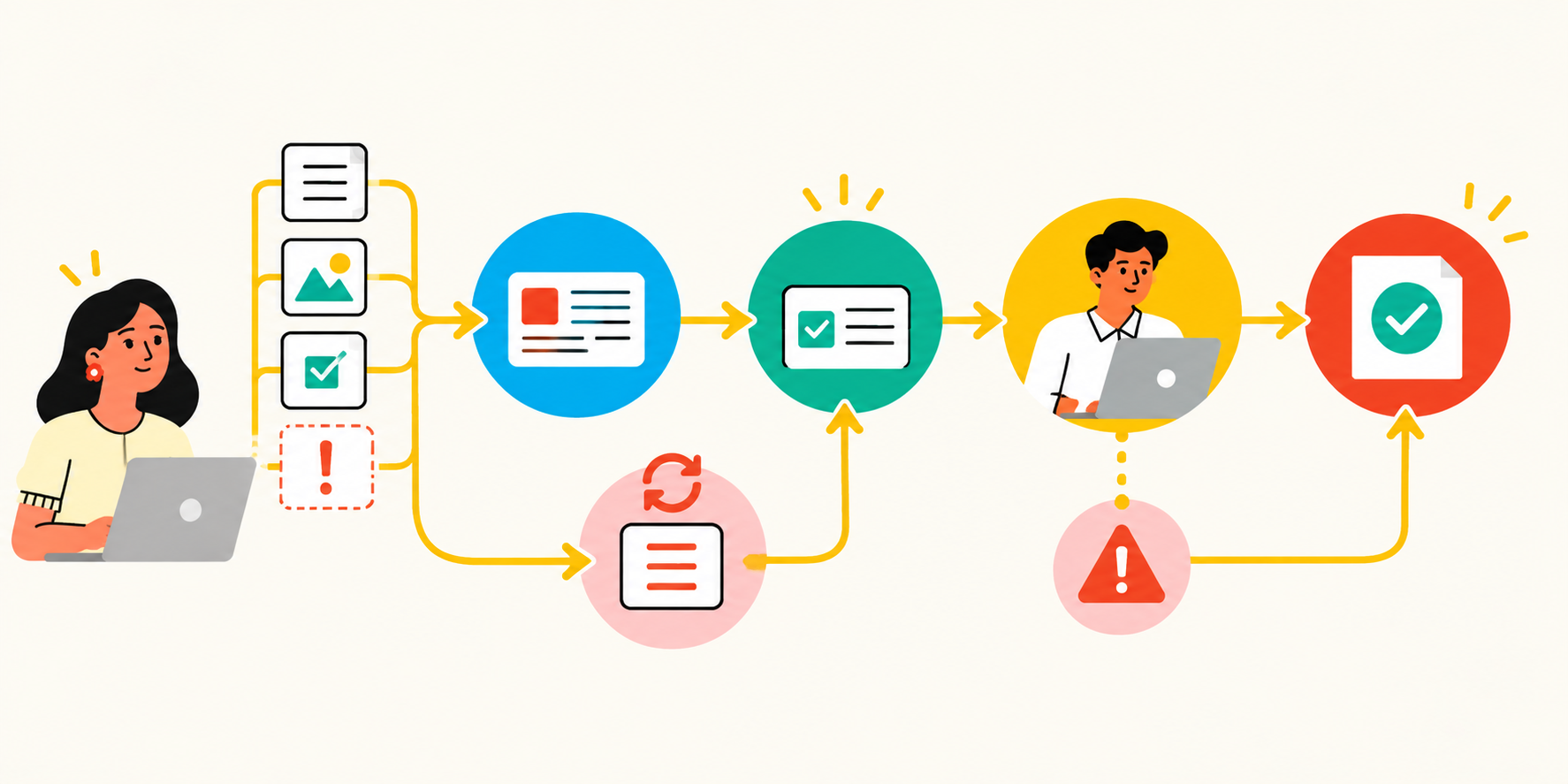
When a form is submitted, the system validates it, creates the operational record, assigns it according to routing rules, sets the due date, and sends incomplete submissions to a correction path, rather than delivering them to a queue where someone has to sort them.
When work is overdue, the system changes the item to an exception state, alerts the responsible owner and their supervisor, records the breach, and applies a defined recovery or reassignment rule, rather than sending a reminder email that someone may or may not act on.
When a status changes, the system updates the related record in another system, creates the next work item, and records the event in the operational history, rather than posting a chat notification.
The requirement is coordination automation, not notification-only automation.
6. Visibility into queue health without a manual reporting project
The problem: I have to build a spreadsheet to know where things stand.
A manager should be able to see the current queue by stage, owner, age, priority, blocker, and exception type, without asking people for status updates, without exporting data, and without reconciling information from three sources.
That is more specific than "real-time visibility." Visibility into completed tasks is easy. Visibility into what is aging, what is blocked, what is assigned to someone with too much on their plate, and what has been returned for rework multiple times: that is the operational view that reduces management overhead.
7. Integrations that are genuinely bidirectional
The problem: I have to enter this in two systems.
An integration is not bidirectional because it can send data in both directions. It is bidirectional when the team has defined which records and fields may change in each system, which system is authoritative for each value, how conflicts are handled, and what happens when synchronization fails.
A credible integration requirement specifies: which records are synchronized, which fields travel in each direction, how the integration matches records across systems, whether synchronization is real-time or event-driven, what happens when both systems edit the same field before synchronization runs, and whether failed events are retried, logged, and recoverable.
The test is not whether two applications appear on a connector list. The test is whether a silent sync failure turns into manual reconciliation three days later without anyone knowing.
What Separates Good Enough From Too Simple and Too Complex
What Separates Good Enough From Too Simple and Too Complex
There is no employee count at which a company must leave spreadsheets. The transition is driven by coordination complexity, not headcount. A 40-person company can outgrow spreadsheets if it processes cross-functional requests with required approvals and handoffs. A 300-person company may retain spreadsheets for analysis without a problem.
What triggers the need for dedicated operations software is when the recurring process requires a shared record, required information, cross-team handoffs, approval or routing rules, exception handling, and reliable real-time status, and failure in any of those areas creates delay, risk, or repeated management overhead.
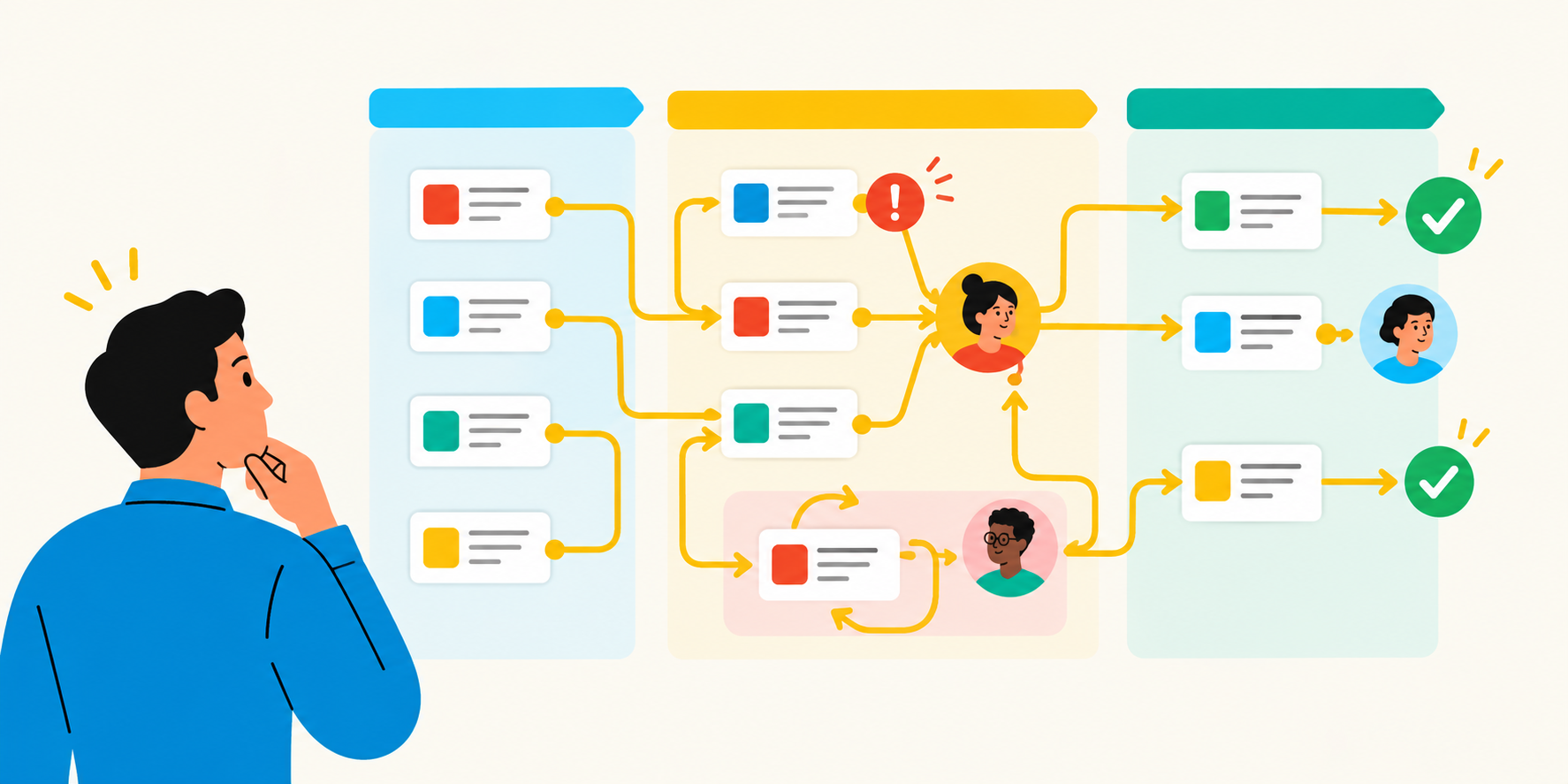
The failure modes of a tool that is too simple are consistent: status is visible but unreliable because teams can advance work without meeting prerequisites; a task has an assignee but no defined owner of the handoff or final decision; key context stays in email, chat, or memory rather than the operational record; leaders see completion counts but cannot see why work is aging or being returned; exceptions are handled through private messages, creating invisible work and no learning loop.
The failure modes of a tool that is too complex are equally consistent: a routine form or routing change requires a developer, consultant, or platform administrator; the organization must model every hypothetical exception before launching any improvement; the implementation timeline exceeds the useful life of the operational problem; teams retain their spreadsheets because the formal system is slower than the work; front-line staff experience the platform as data-entry overhead rather than help moving work forward; the platform's sophistication obscures basic accountability: who owns this now, what must happen next, and why is it waiting?
The right fit for a 100-to-500-person company sits between those. It is configurable without IT dependence. It is structured enough to enforce standards. It is flexible enough to handle exceptions. The person responsible for the process can change a form field, routing rule, approval path, or exception condition through governed configuration rather than a software development request. The platform can be operated and maintained by trained business owners, not a dedicated administrator.
That is not a description of a watered-down enterprise suite. It is a distinct category requirement: a system built for teams that need to be serious about recurring work without being hostage to a platform more complex than the work it is supposed to support.
The Questions to Ask Before You Evaluate Any Vendor
These are requirements questions, not vendor-scoring questions. The goal is to define what your system must do before you build a shortlist, so that vendor conversations are about whether the platform meets the requirement, not about whether the feature sounds like it might.
Can we create one authoritative record for every request, case, or operational item? Define what that record must hold: intake data, files, status, current owner, related records, approvals, decisions, exception reason, and activity history.
Can we define "ready for handoff" in operational terms and enforce it? Ask whether required fields, attached evidence, completed checks, and approvals can be validated before work moves to the next stage, not flagged after the fact.
Can we model the real process, including exceptions? Identify the cases the platform must handle: rejected requests, missing information, urgent items, rework loops, parallel reviews, reassignment, missed deadlines, and escalation paths. A platform that only models the expected path does not meet the requirement.
Can the platform make ownership unambiguous at every stage? Ask whether you can see who owns the work now, who owns the next decision, when responsibility changes, and what happens if the owner does not act.
Can it coordinate action, not just announce an update? Require rules that route work, assign the next owner, enforce approvals, apply due dates, and escalate missed conditions, not only send notifications when those conditions occur.
Can managers see queue health without manually assembling reports? Ask whether the operational view exposes stage, age, priority, owner, workload, backlog, blocked status, approval delay, exception type, and rework, not only total tasks completed.
Can a trained operations owner change the process safely? Ask who can modify fields, forms, roles, routing conditions, approval paths, reminders, and dashboards; whether changes can be tested before going live; and whether changes are logged.
Can it connect to the exact systems that hold your source data? Do not accept "we integrate with hundreds of apps." Name the systems, objects, fields, direction of data flow, latency, ownership rules, failure behavior, and recovery path. Validate those against your environment, not a demo environment.
Can the team verify what happened? For processes involving approvals, customer commitments, employee data, financial decisions, or compliance requirements, ask whether the activity history shows who did what, with what information, and when.
Will front-line users use it at the point of work? Assess the number of screens, fields, logins, duplicative entries, and manual updates required. A well-modeled workflow that makes routine work slower will produce shadow processes within six months.
Once you can answer these questions for your own recurring processes, you have the requirements for a meaningful vendor evaluation, not just a list of features to compare.
Kintone is built for this operational layer: configurable records, structured workflow, owned handoffs, coordination automation, and operational reporting built for teams that run the work without a dedicated IT department. If you want to see how your specific process, a request type, an approval flow, or a cross-team handoff, would work in Kintone, a product expert can walk through it with you.
See how Kintone handles your operational layer by having a Kintone expert walk through your use case.


About the Author