


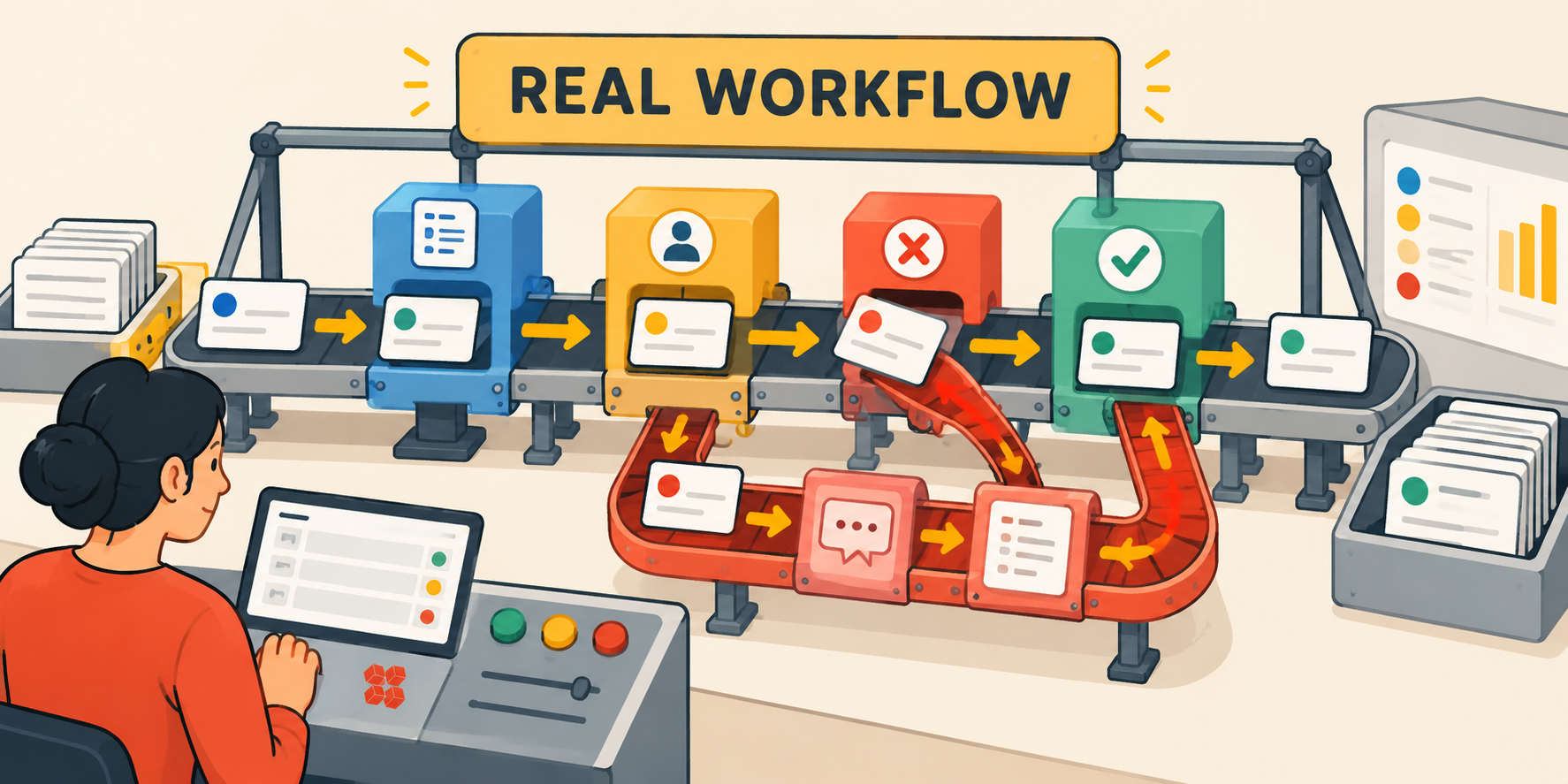
The best software demos should start with failure.
Most software evaluations start with demos. Vendor demos are built to demonstrate happy paths. The intake form fills out cleanly. The approval routes correctly. The notification fires on schedule. The manager dashboard shows exactly what she needs to see.
None of that tells you what happens when an approval is rejected, when a request arrives missing the information the next team needs, or when ownership transfers between two departments that define "ready" differently. The buyer leaves the demo thinking the software looked good. What they cannot answer is the question that actually matters: will this work when our real processes run through it?
There is a difference between a vendor claim, a vendor demonstration, and evidence from your own workflow. A vendor website stating that the platform supports approvals is a claim. A salesperson showing you an approval in a pre-built environment is a demonstration. Your team running real approvals through the platform for several weeks is pilot evidence. Continuing to use the platform when an exception surfaces is something stronger still.
This evaluation process moves from vendor claims toward evidence from your own operation before you sign. It can also produce a valid conclusion not to buy yet, if the evidence supports it.
Define What the System Must Do Before You Evaluate Vendors
If you are starting the evaluation process without a clear requirements list, begin with that first. The companion piece to this article, What Operations Management Software Should Do for a Growing Company, covers the capability framework for non-enterprise operations teams. This article picks up where that one ends: you know what your system needs to do, and now you need to determine whether a specific vendor's platform can actually do it.
Turn One Real Workflow Into Your Evaluation Scenario
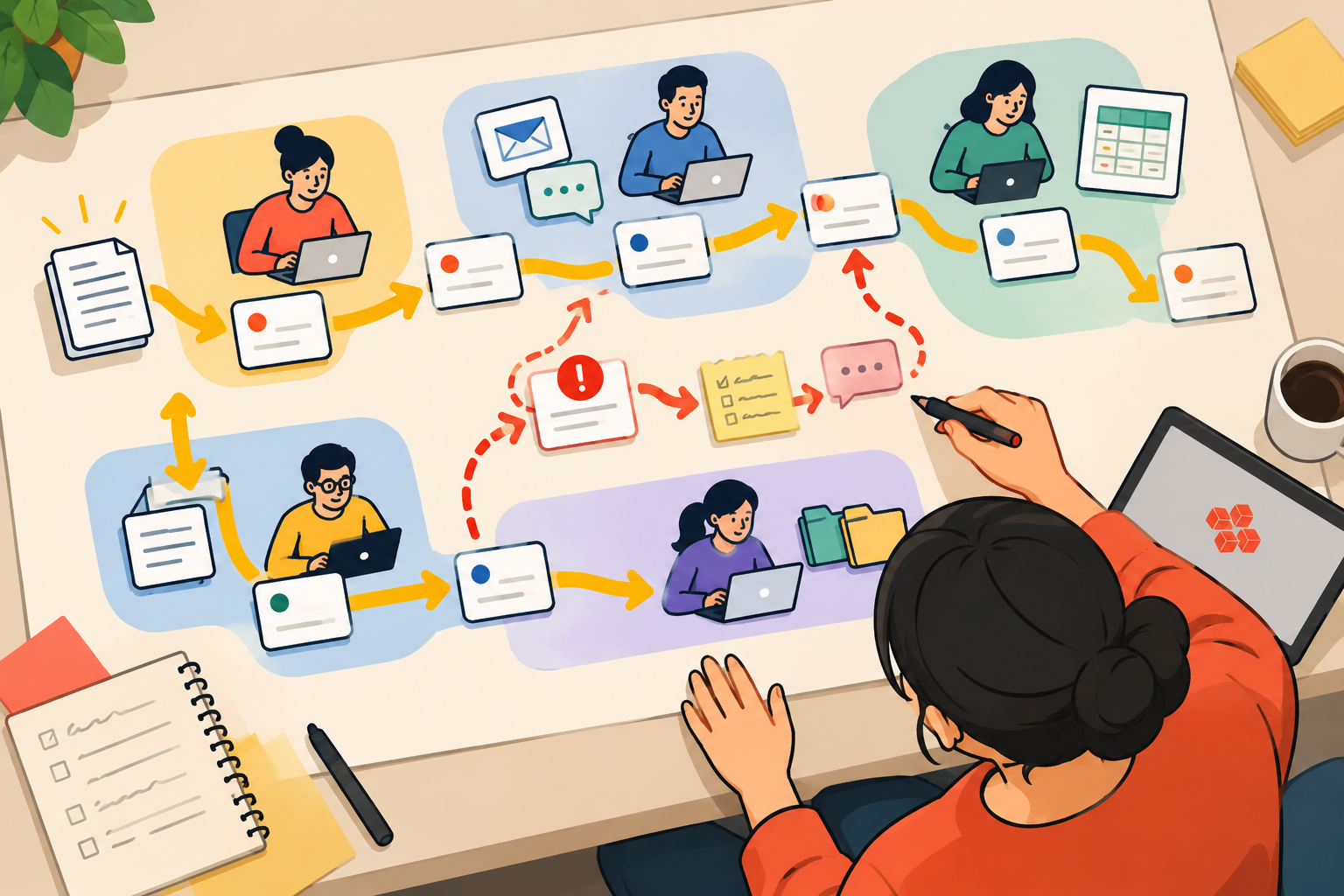
Before any vendor conversation, map one real, high-friction workflow as it currently runs, including the email threads, the Slack messages, the spreadsheet trackers, and the workarounds nobody has documented. Not the ideal version of the process. The actual one.
That workflow map becomes the evaluation instrument. Every shortlisted vendor gets tested against the same scenario. The gap between what the vendor demonstrates and what your actual workflow requires is where the evaluation lives.
What to capture in the workflow map:
- The trigger that starts the work
- The information required at intake before the work can move forward
- Every owner and every handoff, in sequence
- The definition of "ready" at each stage, including whether different departments agree on that definition
- The three most common points where the process stalls or breaks down
- The most recent exception that required manual intervention outside the normal process
That last item should become a primary test case in the evaluation, and it should travel with you through the entire protocol. Use it in the scripted demo. Introduce an equivalent during the pilot. Record what happens to it in the evidence matrix. A central test of the protocol is whether the exception stays inside the system rather than forcing the team back to its old workaround.
If the platform cannot handle that case inside the system, the workaround that exists today is likely to remain part of the process.
One workflow is enough to test how a platform behaves under realistic conditions. It is not enough to prove that every process in your organization belongs on the same platform. Before committing to broad consolidation, sanity-check the model against one materially different future workflow you intend to move there.
Establish Requirements, Deal-Breakers, and Baseline Before the Demos
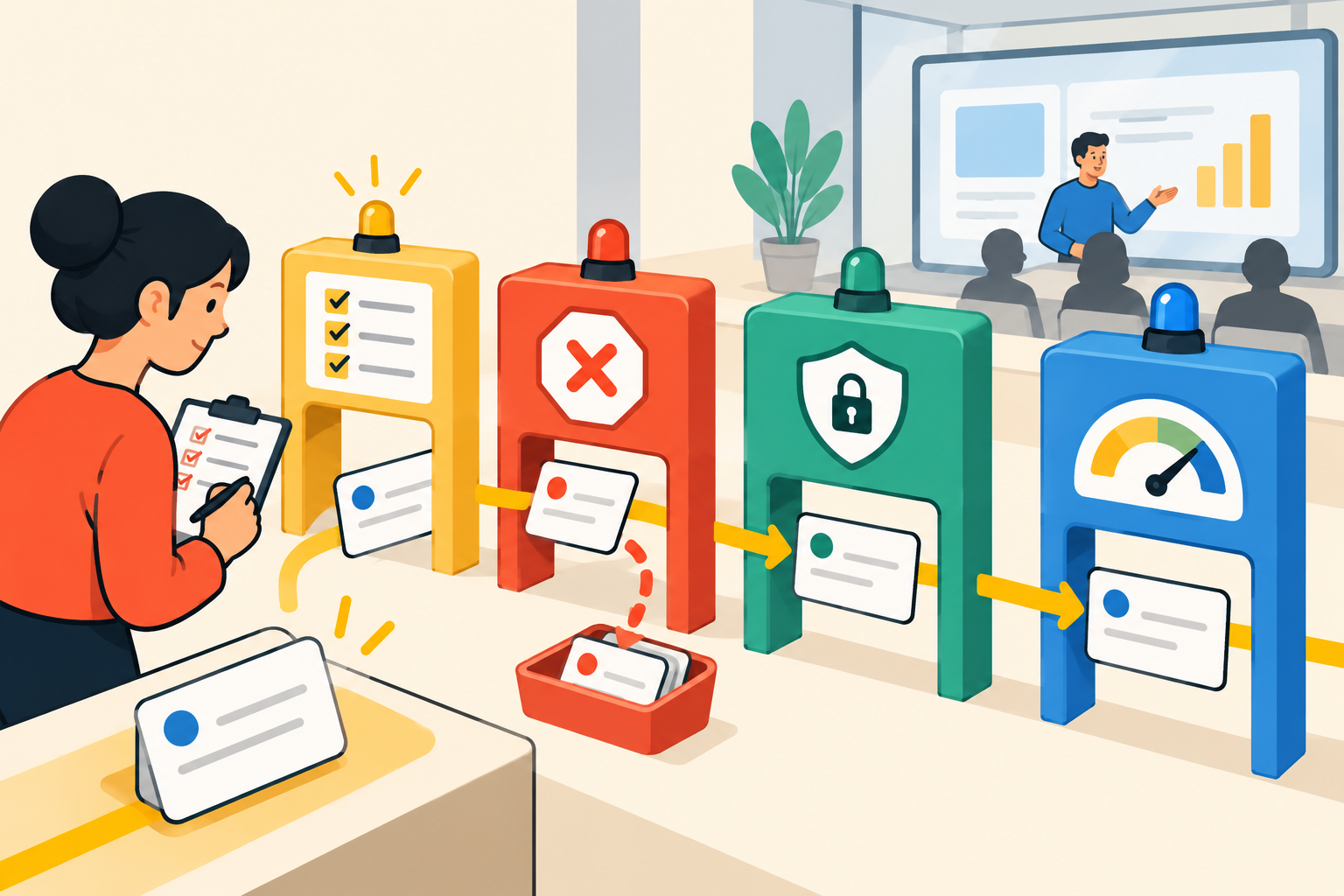
This is an easy place for an evaluation to lose its discipline, and there are predictable patterns in how that happens. If you define criteria after seeing the product, you risk adjusting requirements around what the vendor demonstrated rather than what your operation needs. Setting everything in advance preserves the ability to make a clear-headed decision after the demos are done.
Requirements before demos
Define the capability threshold for each evaluation area before seeing any vendor. "We need approvals" is a requirement nearly any platform can satisfy. "We need approvals that can be rejected, routed back to the requester with a captured reason, and resubmitted without leaving the platform" is a requirement that narrows the field.
Write the requirement in terms of the outcome your process needs, not the feature you expect to see. That distinction prevents a vendor from demonstrating a technically adjacent feature and claiming equivalence.
Deal-breakers before demos
Identify the conditions that would end the evaluation regardless of other strengths. Some conditions that commonly function as deal-breakers for operations teams:
- The platform cannot demonstrate the workflow condition your operation requires
- The required integration depends on custom development not included in the standard license
- Routine configuration changes require technical resources your team will not have after implementation ends
- The vendor declines to run the scenario you need tested
- Data cannot be exported in a format your team can actually use
Establishing deal-breakers before the demos means applying them consistently to every vendor.
Governance and operational readiness before the pilot
Before the pilot begins, bring your IT or security stakeholders into the evaluation as pre-established gates rather than discovering conflicts after the workflow test succeeds. The useful instruction to IT is not "make sure the platform is secure." It is: define your requirements as pass/fail conditions before the pilot. "Must support SSO through our identity provider," "audit history retained for a defined period," or "this data class cannot enter the pilot environment until contracts are signed" are actionable. "Must be secure" is not.
Governance requirements to confirm before proceeding:
- What access and permission model your organization requires
- What audit and history standards apply to the workflows being tested
- Which data classes are approved for the pilot environment, and under what conditions
- What security and compliance expectations the platform will need to satisfy, stated as specific conditions
- Who owns vendor relationship management after implementation
Addressing these before the pilot means the pilot can focus on workflow behavior rather than surfacing a deal-breaker at the end of a six-week test.
Baseline before the pilot
Before deploying any software, capture a small set of current-state metrics for the workflow you intend to test. Without this baseline, the pilot will show you what happened in the new system but not whether it represents improvement.
Useful baseline data points:
- Approximate cycle time from workflow trigger to completion
- Rate of requests returned for missing information before they can move forward
- Number of manual handoffs per cycle
- Frequency and type of exceptions that leave your current system entirely
- Administrative interventions required per month to keep the workflow running
You now know what must be proven. The next step is to move beyond vendor claims and observe each platform under the same conditions.
Run the Same Five Tests Against Every Vendor
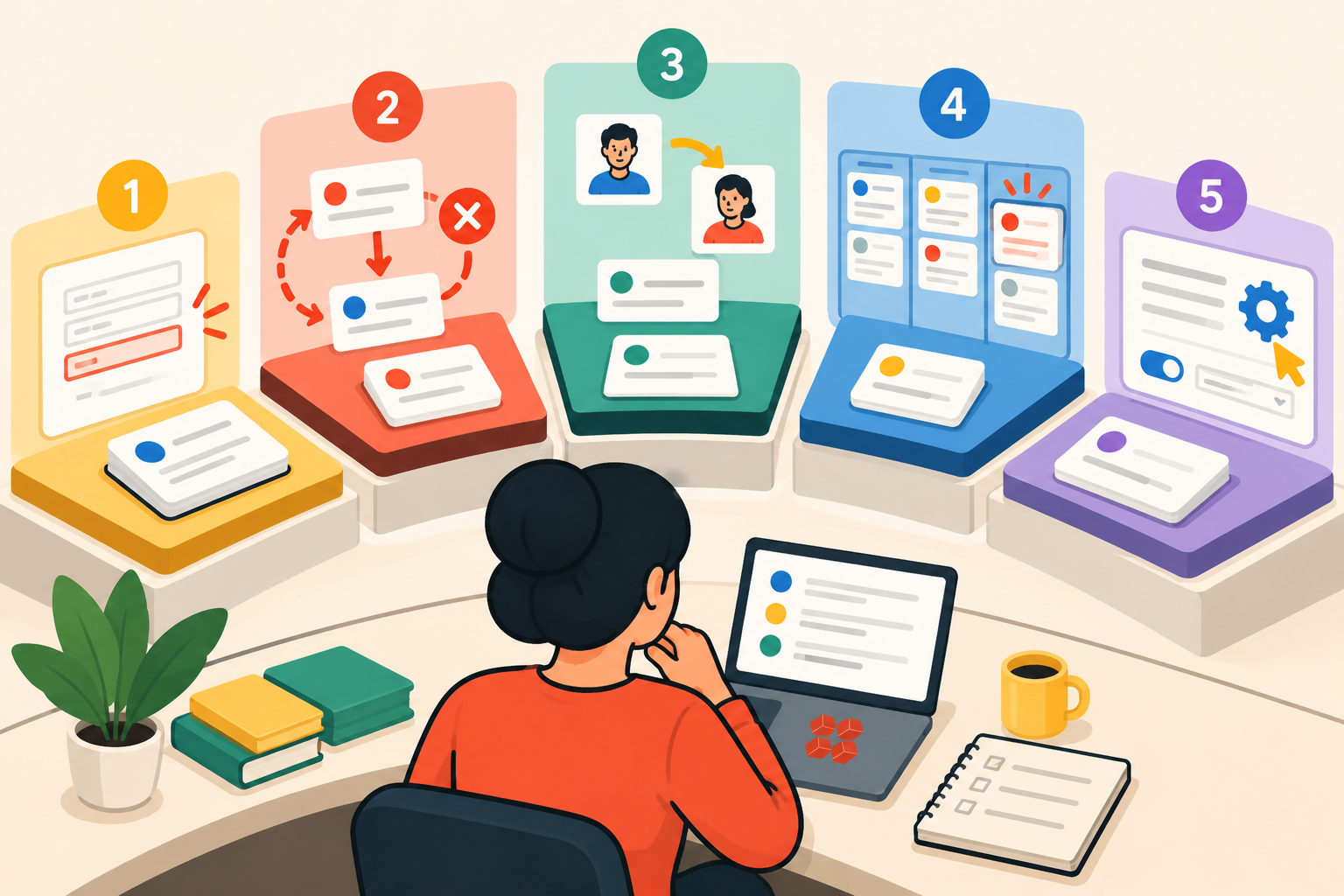
The scripted demo uses the workflow scenario you mapped in the first step. Every shortlisted vendor receives the same scenario and the same test sequence. The tests below define what to observe, not what the answer must be. Your requirements from the previous section determine whether what you observe is a pass, a concern, or a failure for your operation.
A note before running the tests
These tests are designed for workflow systems, not conventional project management evaluation. The unit being tested is not primarily a project, task list, or schedule. It is a record moving through rules, owners, approvals, exceptions, and handoffs. If your primary requirement is planning projects, assigning tasks, and tracking deadlines, your evaluation scenario should be built around those needs and your test sequence should reflect them.
Test 1: Intake enforcement
Submit an incomplete request using your mapped workflow. Observe whether the system blocks submission, flags missing information and routes it for correction, or allows the request to proceed into the queue.
Compare that behavior against the intake controls your process requires. What matters is whether the platform's behavior matches the standard yours requires.
Test 2: Approval and exception handling
Reject an approval. Observe where the record goes, whether the rejection reason is captured, whether the requester receives notification, and whether resubmission remains inside the platform.
Without an explicit rejection path, teams may push exceptions into email or another workaround that sits outside the workflow record. The question is whether the rejection path is designed into the system or improvised around it.
Test 3: Mid-process ownership change
Change the owner of an active record partway through the workflow. Observe what history survives the reassignment, what context the new owner receives, and what the previous and current owners can see afterward.
This matters most when something goes wrong and you need to reconstruct what happened and when. The test tells you how the platform handles the continuity of a record when it changes hands.
Test 4: Cross-team visibility
Ask a manager to identify all open items currently stalled at a specific handoff point across all departments, without opening individual records. Observe whether this is possible from a dashboard or queue view, and how long it takes.
The test is not whether a dashboard exists. It is whether the view can show where work is waiting, how long it has been there, and who currently owns it, rather than only summarizing completed activity.
Then push one step further: once the manager identifies the stalled records, ask them to determine why they are stalled and what action is required next. Observe how many screens, exports, or side conversations are required to get that answer. The operational question is not only "can I see the bottleneck?" It is "can I understand enough about the bottleneck to do something about it?"
Test 5: The routine-change test
Ask the vendor's contact to add a required field, change a routing rule, and add a new approval step during the demo, using only the access and tools the person expected to administer the system will have after implementation ends.
Observe how long this takes and whether it requires technical resources beyond what your team will realistically have. This tests the long-term administrative model, not what the vendor's implementation team is capable of. The implementation team leaves; the administrative model stays, and if you want to understand what that model looks like at the record and field level, Kintone's approach to role-based permissions is worth reviewing before you run this test.
If an integration is required, include it in the test
The article's methodology treats vendor claims as insufficient evidence. A vendor saying "we integrate with Salesforce" is the same type of assertion the rest of this protocol tells you to replace with evidence.
If an integration is essential to the workflow being evaluated, include it in the scripted demo. Test the actual fields, the direction of sync, update behavior, failure handling, and who owns maintaining the connection. A marketplace listing or API documentation tells you what the vendor says the integration supports. Your data moving correctly between systems tells you whether it works for your workflow.
Make the Vendor Demonstrate Your Workflow, Not Theirs
Give every shortlisted vendor the same instructions before the session: here is our workflow, here is the data we will submit, here is the sequence of events we want to observe. Then run it. The scenario is yours, not theirs.
This includes the exception case you identified during workflow mapping. Run it in every demo. The point is not to trip up the vendor. It is to observe platform behavior under conditions that resemble the work you actually do.
What a scripted demo reveals that a standard demo cannot:
- Whether the platform handles your specific exception types, not a generic approximation of them
- Whether the vendor's sales presentation matches the actual product behavior when an unfamiliar scenario runs through it
- Whether the configuration required to run your scenario is within the administrative capacity of your team after implementation
If a vendor cannot or will not demonstrate a required workflow condition, record that capability as unverified rather than assuming the standard demo established it.
Questions the demonstration should answer
After the scripted demo, you should be able to answer these five questions for each vendor:
- Could the vendor run the exception case without changing the scenario we gave them?
- Who would configure this after implementation, and what access would they need?
- Which part of what was just demonstrated requires professional services or custom development beyond the standard license?
- What does the record and its history look like when ownership changes?
- What could our team not change ourselves after launch?
After the scripted demo, identify any concern from the tests and convert it into a pilot success criterion. If rejection routing looked inconsistent in the demo, that is the first thing you measure in the pilot.
Run a Pilot Long Enough to Expose Normal Work and Exceptions
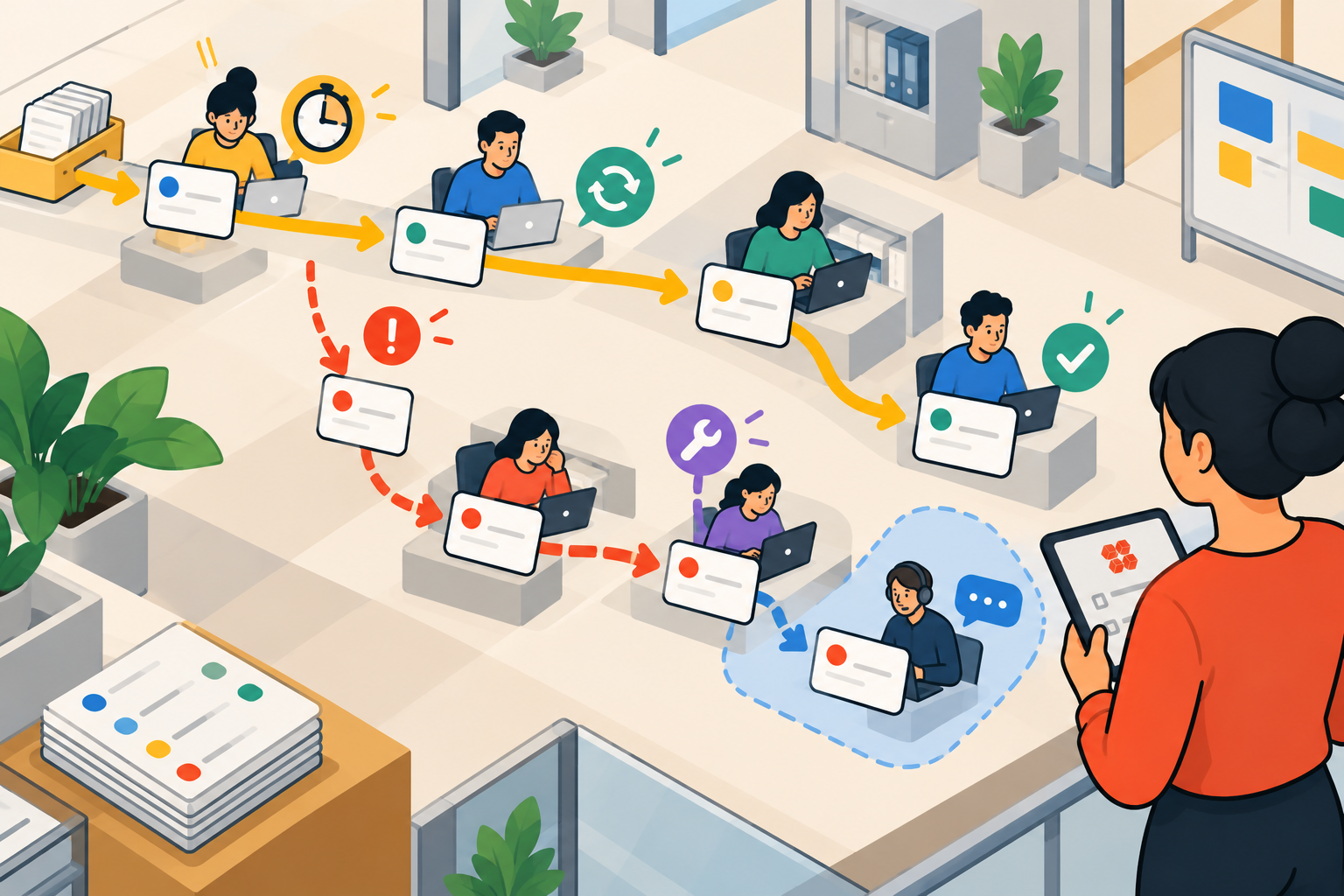
The goal of a pilot is to generate evidence: moving from vendor demonstration to pilot evidence, and ideally toward some operating evidence before you commit. The right pilot length is long enough to observe representative workflow cycles and exceptions, not a predetermined number of days.
A monthly approval process might cycle once in 30 days and produce almost no useful evidence. A high-volume intake process might generate meaningful signal in a week. Define the pilot scope by the evidence it needs to produce, not the calendar it needs to fill.
The demo has produced observed behavior under controlled conditions. The pilot tests whether that behavior survives real work.
Who participates in the pilot
Do not run the pilot entirely through the person who selected the software. Include the people who actually perform the workflow, the manager responsible for its outcome, the person expected to administer the platform after launch, and any IT or security stakeholder with a required gate. A platform that works smoothly for the evaluator but creates new friction for the people doing the work has not passed the same test.
Pilot conditions to define in advance:
- One real workflow, with representative work rather than test records. Use live data only when the pilot environment and vendor have cleared your organization's security, privacy, and compliance requirements. The workflow behavior must be real; the data needs to be appropriate for the environment.
- The actual owners and handoffs involved in the workflow
- At least one normal cycle completed end-to-end
- The exception condition you identified during workflow mapping
- Any cross-department handoff that is material to the workflow
What to measure, compared against your pre-pilot baseline:
First-pass acceptance: how often do requests move through intake without being returned for missing or unusable information? Compare the result with your baseline and inspect why rejected submissions failed. A high acceptance rate is only meaningful if the underlying data quality is also sound.
Cycle time end-to-end: how long does it take a work item to move from submission to completion, compared to your baseline? Improvement in cycle time is not guaranteed by deploying software. It depends on whether the platform enforces the handoff standards and visibility your process requires.
Exception reversion: when an exception occurs, does it get handled inside the platform or does the team revert to email, a spreadsheet, or a direct conversation? Repeated reversion is a signal to investigate whether the platform, its configuration, or the operating process can handle the exception without falling back to the old workaround.
Administrative friction: how many times did a business operator need IT, the vendor's support team, or technical resources outside the original plan to make a routine change during the pilot? Track this because recurring dependence on outside technical resources can become part of the platform's ongoing operating cost. The same principle applies to the parallel processes teams often run alongside a pilot, but a software transition plan accounts for this from the start and reduces the risk the old workaround becomes permanent.
Vendor intervention: record every time the vendor, implementation partner, or technical specialist stepped in to keep the pilot working. For each intervention, ask whether the same help is included after purchase, what it costs, and who on your team would handle the issue without it. This distinguishes product capability from vendor-assisted pilot capability.
Your current process is also part of the comparison
A vendor does not earn the business simply by performing better than another vendor. The pilot should produce enough improvement over your baseline to justify the cost, disruption, training, and administrative work required to change systems. If none of the shortlisted platforms clears that threshold, the right result may be to continue with the current process while addressing its underlying problems, or to revisit the evaluation when the right platform is available.
Calculate Operating Cost, Not Just Seat Price
The advertised per-seat price is the starting point for the cost conversation, not the answer. For operations teams evaluating workflow platforms, a more complete calculation includes:
Platform subscription at your expected license tier.
Cost for occasional approvers and external requesters: does every person who touches a single approval or submits a single form require a full paid license, or does the platform support lighter access models? For workflows with broad approval chains or large numbers of occasional participants, this licensing rule can materially change the cost calculation.
Integration setup and maintenance: the cost to connect the platform to the systems that hold your source data (CRM, accounting, HRIS, document storage) and what happens to that connection when one of those systems updates. Ask specifically whether API changes require vendor involvement to resolve.
Implementation and configuration: who converts the tested workflow into a production implementation? Ask what is included in the implementation scope, what workflow configuration is customer-responsibility versus vendor-responsibility, and what happens when the implementation scope changes partway through.
Training and ongoing support: ask what support is included at your license tier, what requires paid professional services, what training is required for administrators, and what happens when the original administrator leaves.
Ongoing administration: estimate how many workflow changes your operations team makes per quarter. A process that evolves as the business changes is normal. Price the administrative model each vendor requires against that estimate. A platform requiring specialist involvement for routine configuration carries a labor cost that compounds with every iteration; it demonstrates part of a broader set of hidden software costs that the per-seat prices rarely reflect.
Migration cost: before the pilot ends, export a sample of the records you created. Open the files outside the platform. Check whether the field structure, timestamps, ownership history, attachments, and other records your operation depends on remain usable. A vendor's statement that "your data is exportable" is a claim until you have seen what the exported data actually contains.
Ask every vendor to price the same usage scenario: the same number of full users, occasional approvers, external requesters, and required integrations. When the inputs are identical, the outputs are comparable. If a vendor declines to price a standardized scenario, that is itself information about how their pricing model behaves at your scale.
Record Evidence and Apply Your Deal-Breakers
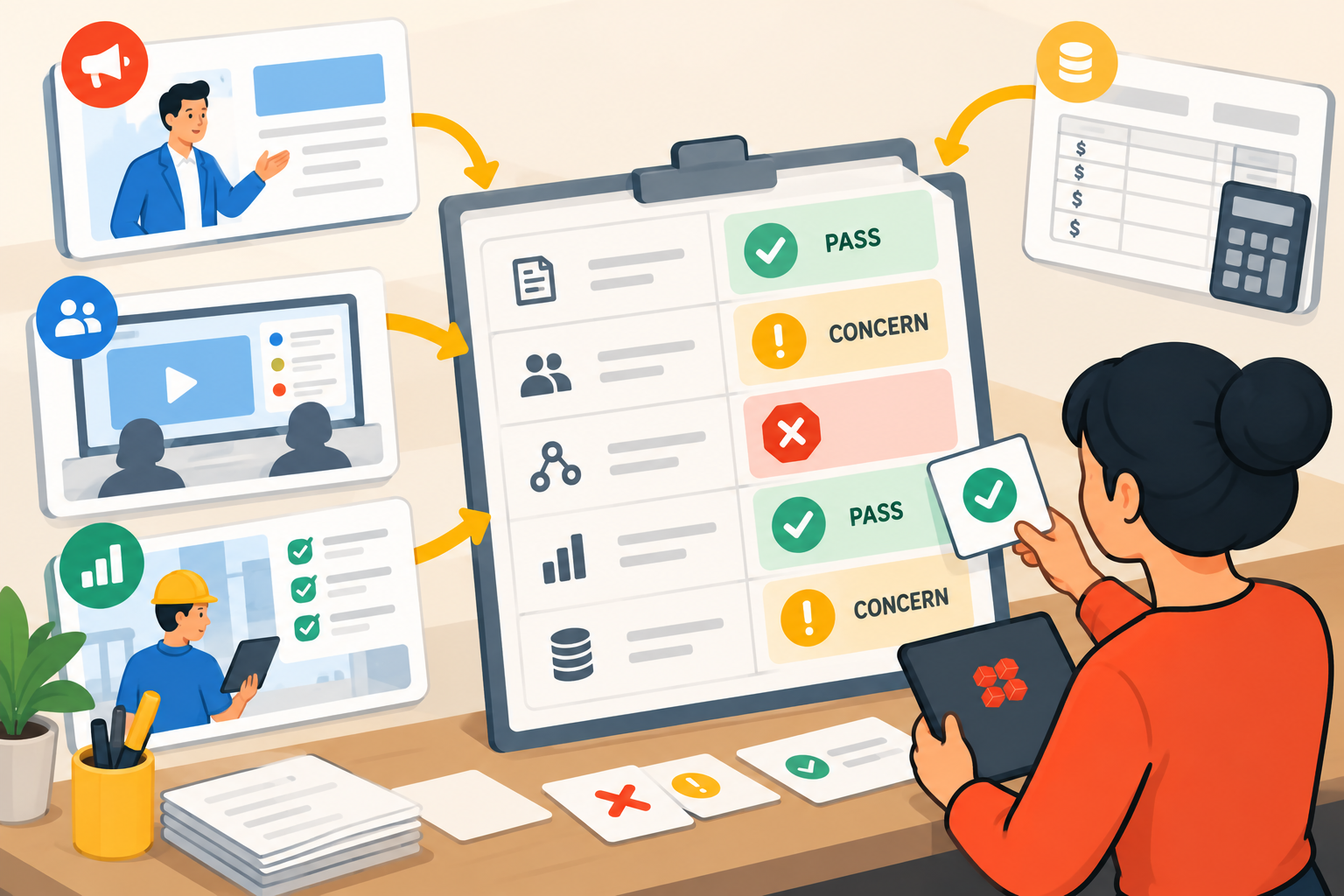
Record what each test actually proved. At this point you should have several kinds of evidence: observations from the scripted demo, measurements from the pilot, and cost information based on the same usage scenario. The following matrix provides a format for recording and comparing them.
|
Test / Scenario |
Your Requirement |
Evidence Source |
Evidence Observed |
Result |
Importance |
Follow-up Needed |
|
Rejected approval |
Rejection returns to requester with captured reason and preserved history |
Scripted demo |
Reason and history preserved; notification required manual setup |
Concern |
High |
Verify notification behavior during pilot |
How to use the matrix:
Complete the "Your Requirement" column before any demos begin. Requirements filled in after the demos are filled in with knowledge of what each vendor can do, which is not the same as writing down what your operation needs.
Note the evidence source for every row. A requirement confirmed by a salesperson, confirmed by a scripted demo, and confirmed by pilot behavior are not equivalent. The evidence source column makes that distinction visible in the record.
Record observations during or immediately after each vendor session. Notes taken in the session are more reliable than impressions formed a week later.
Apply deal-breakers first. If a vendor fails a condition you identified as a deal-breaker before the evaluation began, the evaluation is complete for that vendor regardless of strengths elsewhere.
Treat concerns as follow-up items. A concern identified in the demo should become a pilot success criterion. If visibility into stalled handoffs looked limited in the demo, measure that specifically during the pilot.
What a Good Evaluation Process Produces
A well-run evaluation produces four things that are more useful than a software recommendation:
A scripted demo scenario built from your actual workflow, including your primary exception case. Reusable for future evaluations, for onboarding new team members, and for contract renewal discussions.
A pilot measurement framework with pre-pilot baseline metrics and clear success criteria. Reusable for any future software decision your operations team makes.
A total cost model for each vendor at a standardized usage scenario, including all licensing tiers, integration costs, administrative burden, and migration cost. The basis for a business case.
An evidence matrix with observed behavior documented against your pre-established requirements, with the source of each piece of evidence noted. The basis for a recommendation.
The recommendation can then say more than "we liked their demo." It can show how each platform handled the workflow, what happened during exceptions, what the pilot changed against baseline, what administration required, and what each option costs under the same usage assumptions.
That gives leadership evidence they can interrogate rather than impressions they have to trust.
Once your requirements are clear and your evaluation protocol is ready, the next step is building a shortlist. Best Workflow Platforms for Growing SMB Operations covers how mid-market operations teams approach that decision.
Put Kintone through your workflow test
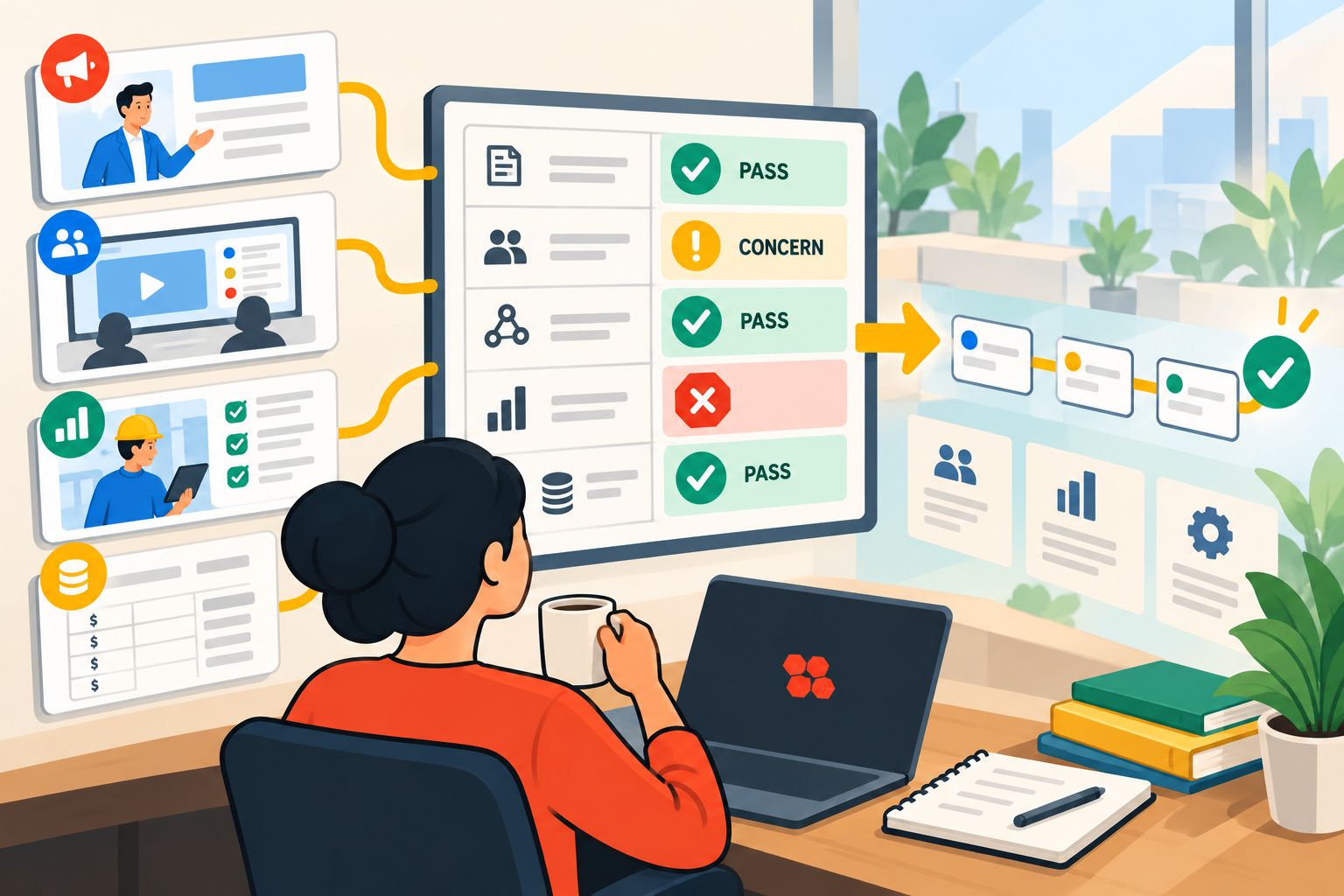
Bring a real process, including the exception that causes the most friction in your management system, and see how it behaves in Kintone by talking to a Kintone expert about your use case.


About the Author